Medical Device Onboarding app
An event-driven training interface for SHL Medical devices onboarding
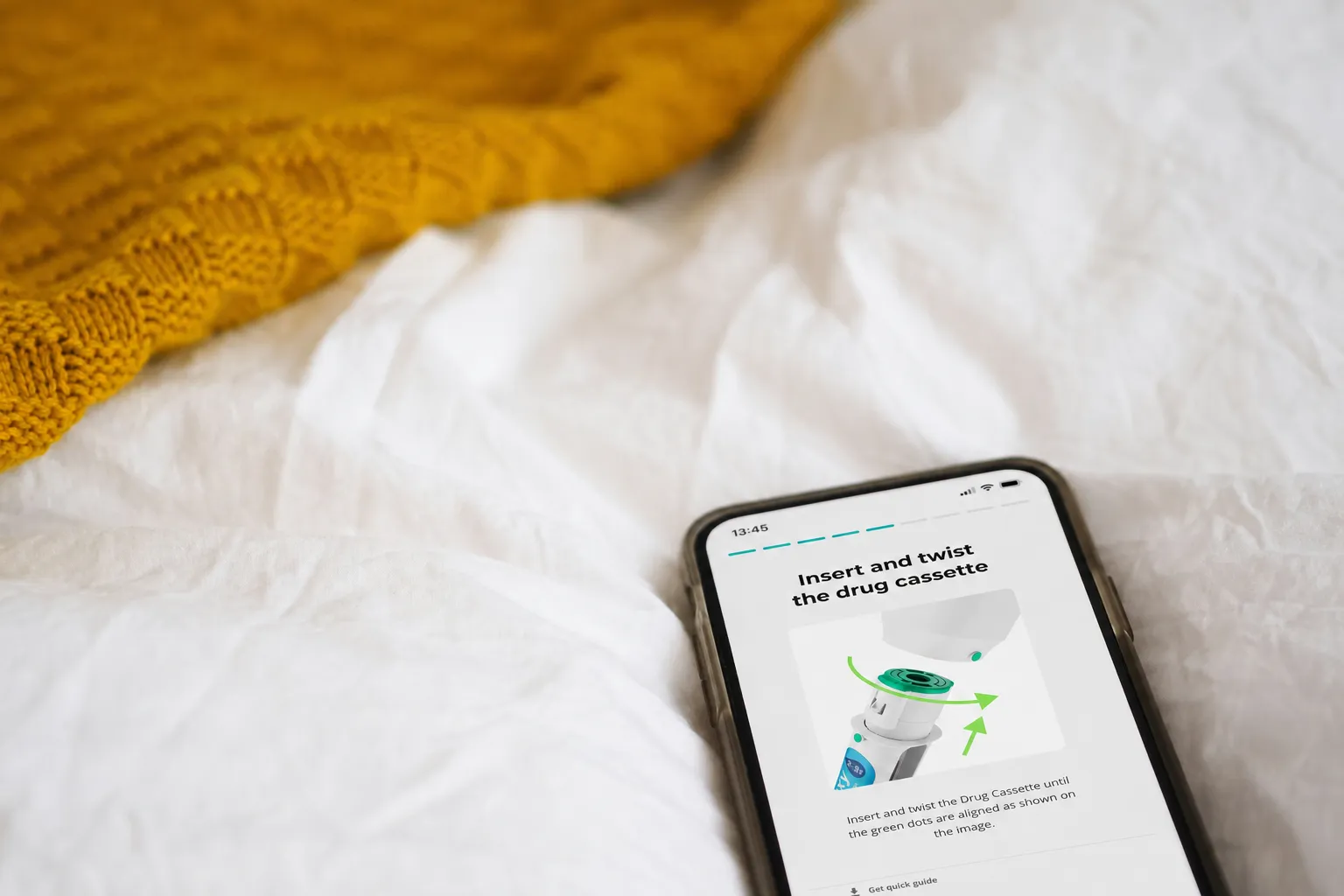
Overview
To bridge the gap between complex hardware and patient safety, I led the design and conceptual development of an event-driven on-boarding mobile-first web application. The goal was to create a seamless, "hands-free" instructional experience where the application reacts in real-time to physical interactions with the device. Original image @LauraChouette.
January 2025 – June 2025
Role
- Lead UX Designer
Tech stack
Outcomes
Zero-touch concept
Successfully designed a seamless, hands-free interaction concept, enhancing the user experience and significantly reducing the risk of error.
Hardware-Software Synchronization
Validated an IoT-driven workflow where effective real-time data triggers automated UI transitions, creating a truly reactive user experience.
Market-Ready Prototype
Successfully transitioned the concept into a real application used at international industry showcases.
Challenge: Bridging the physical-digital gap in medical onboarding
In medical administration, user attention must be centered on the patient and the device. Traditional on-boarding apps require constant manual interaction (tapping, scrolling, clicking), which requires an important cognitive load and creates a dangerous “split-attention” effect.
The challenge was to design a digital experience to allow users focus in the most important: learning how to use a complex device. A system that could react to the user’s interaction with the medical device, freeing the user from worrying about the application.
The process: A multidisciplinary approach
As the Lead UI/UX designer, I didn’t just designed some beautiful visuals and an interaction flow. I designed a synchronized system. My process involved app integration across three pillars:
Concept & design leadership
Our persona analysis highlighted the need for an intuitive on-boarding experience to accommodate varying levels of technical proficiency and high-distraction environments. Given the high stakes of a medical setting, we prioritized simplicity to mitigate the risk of user error and ensure the necessary learning with user safety.
For this I defined a new interaction model for the entire user journey. Instead of traditional navigation, I developed a event-driven logic where the medical device acts as the primary input. This required mapping every possible hardware state (Power On → Loaded drug → Injection In-Progress → Completion) to a corresponding UI response.
The app acts as an observer of the device events, moving through the different steps only when the specific event has been confirmed.
Cross-functional collaboration
I collaborated closely with different stakeholders through an iterative process to transform this concept into a polished, final product:
-
With the product owner: I translated business requirements and user needs into intuitive user flows, periodically discussed with the product owner to ensure that the application complemented the use of the medical device.
-
With engineers: I collaborated closely with engineers and developers to ensure the event-driven concept was technically viable. We worked to map the device’s events to the web app, ensuring zero latency between the device and UI.
Iterative User Testing & Validation
To ensure the concept worked in real-world conditions, I led user testing sessions with diverse demographics. First we tested a first version of the app with a more traditional user flow where user had to navigate manually through the training. After that we tested the “zero-touch” hypothesis to see how users behaved to an app that reacted to the medical device use. Results talked by themselves. With the first version user acceptance was quite low, 30%, with a lot of comments from the users mentioning complexity and a hard experience. With the event-driven version, acceptance increased to 90%.
These sessions were critical to validate the concept and also helped to refine the visual design.
Results: Minimizing Cognitive Load through Automation
The prototype successfully demonstrates a “hands-free” training workflow. By shifting the burden of navigation from the user to the device’s event data, we minimized manual touch-points. This results in a safer, more intuitive user experience that keeps the patient’s attention exactly where it needs to be.
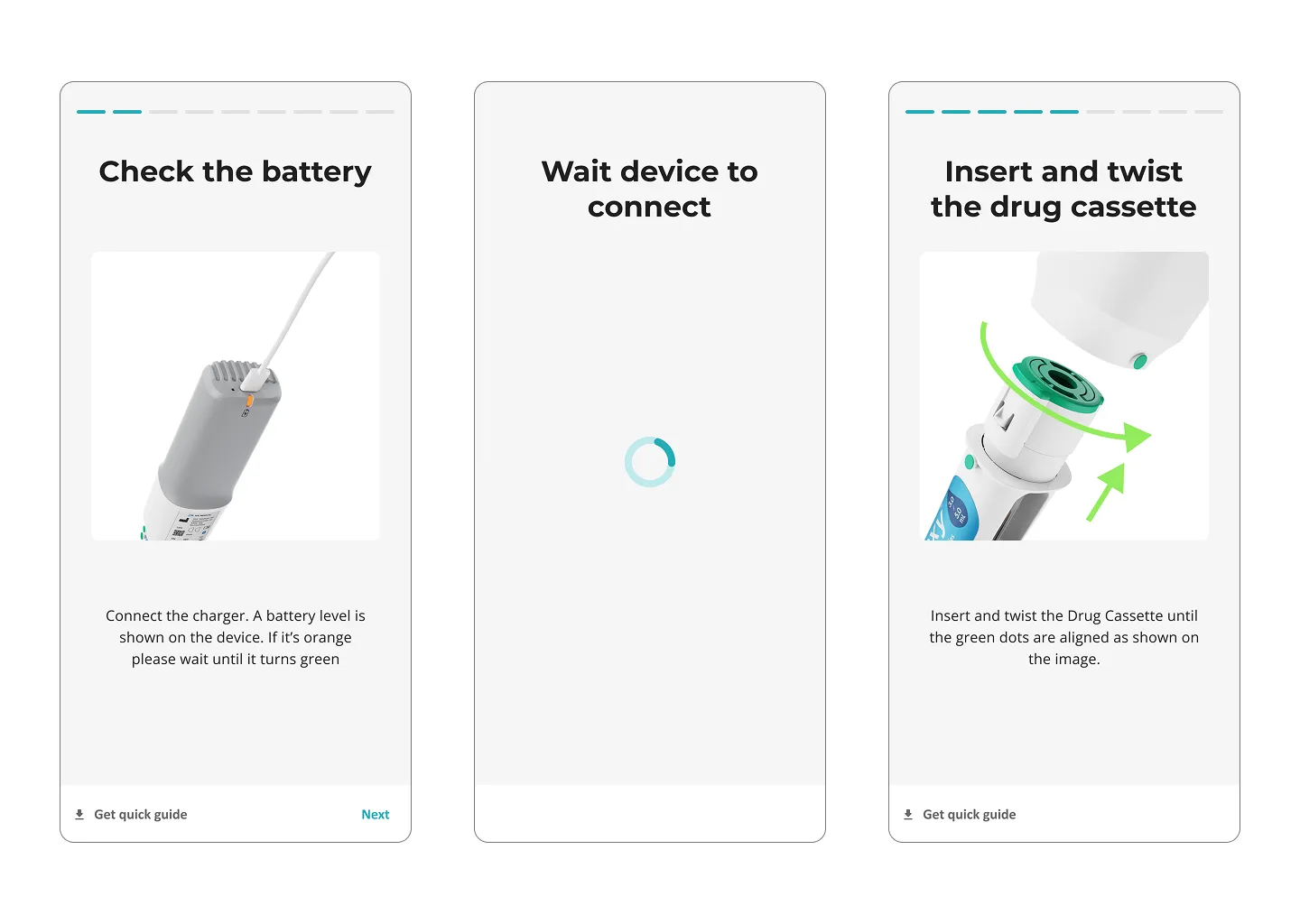
The prototype was not just an internal tool. It was used to showcase and demo the possibilities of the Cloud-connected medical devices at multiple major industry events. Presenting it to industry experts allowed us to validate the product’s unique value proposition in a live environment.